Comfortable office chair: how to choose the right one?
An office chair can seem comfortable at first without staying that way after several hours of work. Seat quality, backrest support, adjustment options, armrests and freedom of movement all influence everyday comfort.
Choosing a chair suited to your build and your use makes for a more pleasant workstation all day long. The comfort of an office chair is not just about a soft seat or a generously padded back. A chair for professional use must also provide enough support, follow your movements and let you adjust your position. A very soft model may feel pleasant for a few minutes without being suitable for several hours of daily work.
- 6criteria that make a chair truly comfortable
- 5usage profiles, from occasional use to shared desks
- 5ergonomic chair brands in our catalogue
- 1,500 m²of showroom to try them in Nivelles
Comfort is also personal. Body shape, height, work habits and time spent at the desk all influence which features to prioritise. That is why professional ergonomic chairs, with their various adjustment options, are a particularly good way to fit the seat more precisely to each user.
On this page, Wooh explains what makes an office chair comfortable, the criteria to compare before choosing and the features to favour depending on your use. The goal: a chair you feel good in from the moment you sit down, and above all after several hours of work.
What makes an office chair truly comfortable?
The comfort of an office chair depends on a set of features that must work together. A pleasant seat matters but is not enough: the backrest, adjustments, armrests and the chair’s ability to follow your movements also contribute to comfort as working hours add up.
A comfortable chair must above all let the user easily find a position suited to their build. Seat height, seat depth or armrest position can make a big difference from one person to another. That is why a chair with several adjustment options is usually easier to adapt than a model with fixed dimensions and position.
Comfort also means being able to move. Staying perfectly still all day in a position that seems ideal is not necessarily desirable. The dynamic or synchronous mechanisms found on many professional chairs let the backrest and seat follow changes of position without the user having to leave their desk.
Finally, comfort has to be judged over time. A heavily padded or particularly soft chair may feel pleasant for the first few minutes, while a chair offering more balanced support and more adjustment may better suit prolonged daily use. A truly comfortable office chair is therefore above all one that suits its user and the way they work.
Criteria for choosing a comfortable office chair
Perceived comfort depends largely on how well the chair adapts to its user. Before choosing a model, it is worth comparing several features rather than relying only on how the chair looks or feels in the first few minutes.
01
A well-fitted seat
The seat must offer enough room to sit comfortably without being out of proportion with the user’s build. Seat depth is a key criterion. When adjustable, it allows a more precise position of the body against the backrest while keeping enough space behind the knees.
02
A backrest with good support
The backrest contributes greatly to comfort through the day. Its shape must support the back while leaving enough freedom to change position. Depending on the model, its height, tilt, resistance or lumbar support can be adjusted for a more personal fit. Some models also have a fixed or adjustable headrest, which can provide extra support depending on working position and user preference.
03
Adjustable armrests
Armrests support the forearms and contribute to the overall comfort of the workstation. Models adjustable in height, width, depth or angle offer more ways to fit them to the user’s build, and to the height and dimensions of the desk.
04
Easy-to-use adjustments
A chair can offer many features without being truly comfortable if they are hard to understand or rarely used. Controls should ideally remain within reach from a seated position and make it easy to adjust the main elements of the chair.
05
Materials suited to the use
The upholstery also plays its part. Fabric, mesh, leather and other coverings feel different in terms of softness, contact and breathability. Mesh, for example, can encourage air circulation through the backrest, while a padded seat gives a different feel. The choice also depends on personal preference and the environment the chair will be used in.
06
A mechanism that follows your movements
A comfortable chair does not have to hold its user in a fixed position. Synchronous or dynamic mechanisms let the backrest and seat follow movements when the user leans forward or sits up. Being able to adjust the mechanism’s resistance adds a further level of adaptation.
So there is no universal combination that guarantees comfort for everyone. A good office chair is above all one whose dimensions, adjustments and operation match your build and the way you work.
Which comfortable chair should you choose for your use?
Not all office chairs are designed for the same use. Time spent sitting, frequency of use and type of workstation determine the level of adjustment and equipment to favour. The longer and more regularly a chair is used, the more its ability to adapt precisely to its user matters.
01
For occasional use
For a desk used a few hours a week, a fairly simple chair can offer enough comfort. An adjustable seat height, a backrest with pleasant support and dimensions suited to the user are already a good start. It is still better to choose a proper office chair rather than one originally intended for another purpose.
02
For several hours of work a day
When the chair is used for several hours every day, adjustment options become much more important. Seat depth, lumbar support, adjustable armrests and a dynamic mechanism let you fine-tune the chair and vary your position throughout the day.
03
For a full working day at the office
For a workstation occupied for most of the day, choose a professional ergonomic chair designed for intensive use. Beyond immediate comfort, consider the quality of the mechanism, the range of adjustment, the durability of components and the ability to move naturally in the chair.
04
For remote work
A comfortable chair is just as important when the workstation is at home. The choice should take into account the time actually spent working from home, but also the space available and the desk used. For regular remote work, the same comfort and adjustment criteria apply as for a professional workstation.
05
For a shared workstation
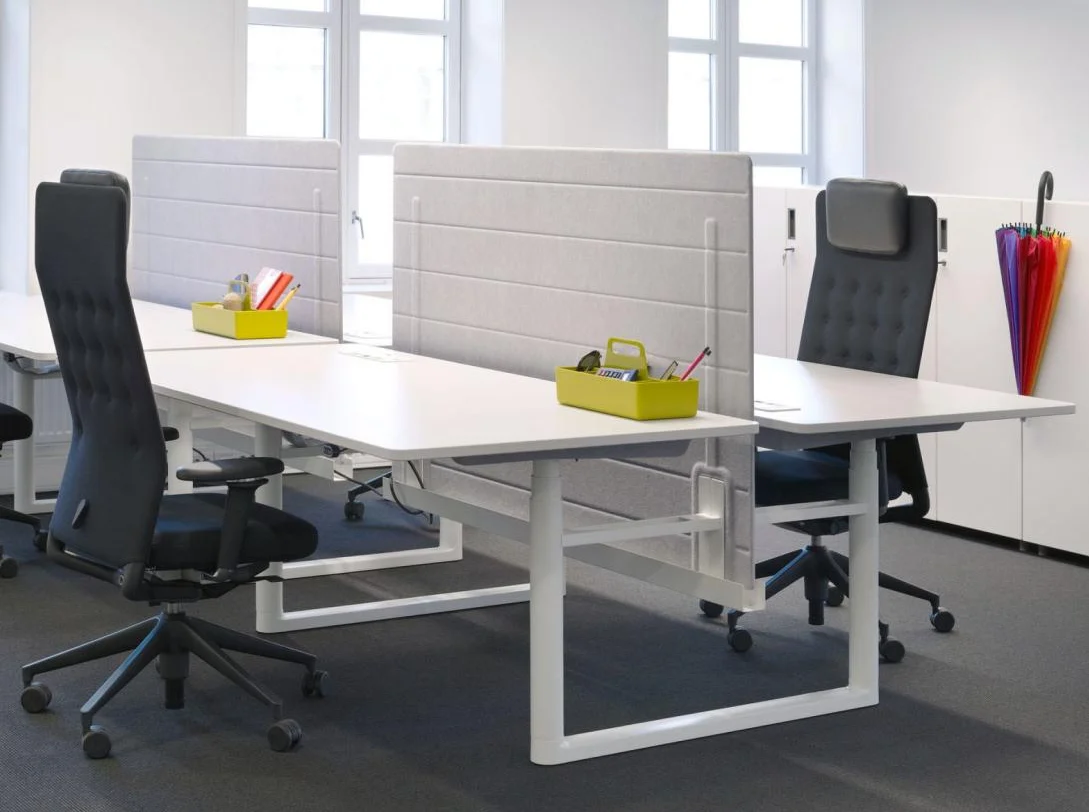
When the same chair is used by several colleagues, as in a flex office, ease of adjustment becomes essential. The chair must adapt quickly to different body types without lengthy fiddling. Intuitive controls and a wide enough adjustment range are particularly valuable.
The level of comfort you look for should therefore match the chair’s real use. A model suited to a few occasional working hours does not necessarily meet the same requirements as a chair used for a full working day every day.
Soft chair or ergonomic chair: which is more comfortable?
When looking for a comfortable office chair, it can be tempting to favour a thick seat, a generously padded back or a particularly enveloping armchair. These features do shape how it feels when you sit down, but they are not enough to determine the comfort of a chair used several hours a day.
A soft seat does not always mean lasting comfort
Generous padding usually feels pleasant at first contact. For prolonged use, however, it must strike a balance between softness and support. A seat that is too soft can sink further under the user’s weight, while padding that is too firm may not suit everyone’s preferences.
Backrest padding is not essential
A comfortable backrest does not need to be thick or heavily padded. Some ergonomic chairs use a mesh backrest that hugs the back differently and encourages air circulation. Others favour an upholstered or padded back. The choice depends mainly on the feel you want and the chair’s overall design.
Support and adjustments count as much as softness
A fairly firm chair can be very comfortable if its dimensions suit the user and the seat, backrest and armrests can be adjusted precisely. Conversely, a very soft armchair with no adjustments can become less pleasant when used for a whole day.
Comfort remains a personal feeling
Two people can experience the comfort of the same chair very differently. Some like a firm seat and a dynamic backrest, others prefer more padding or a more enveloping feel. Body type and work habits must be taken into account as much as technical features.
So it is better not to choose a chair on thickness or softness alone. Lasting comfort comes from a balance between seat, support, adjustment options, freedom of movement and the user’s preferences.
How can you improve workstation comfort beyond the chair?
Even a perfectly suited chair has to fit into a coherent workstation. Desk height, screen position, available space and the chance to change position regularly also affect comfort over the day.
01
Pair the chair with a suitable desk
The worktop height must let you sit comfortably and use the keyboard without hunching your shoulders. The armrests must also be positioned so they do not stop you pulling the chair close to the desk. A height-adjustable desk offers more ways to adapt and makes it easier to alternate between sitting and standing.
02
Position your screen properly
The screen should be directly in front of the user, at a comfortable distance and height. A screen placed too far away, too low or to one side can push you to keep shifting position to work. Its placement should therefore be planned together with the chair and desk.
03
Keep enough room to move
A chair with a dynamic mechanism is of little use if its surroundings stop the user moving freely. It is best to keep enough space around the chair to roll back, swivel and move easily on its castors without being blocked by a wall, furniture or other equipment. This is especially important in an open-plan office or when several desks are close together.
04
Vary your position during the day
Comfort does not necessarily mean finding an ideal position and holding it for hours. Getting up regularly, doing some tasks standing or simply changing your chair’s settings and tilt all help vary your position during the day.
A comfortable chair is therefore one element of a well-designed workstation, rather than a solution to consider on its own. Combining a suitable seat with a correctly sized desk and an arrangement that lets you move helps create a more pleasant working environment every day.
Our selection of comfortable office chairs
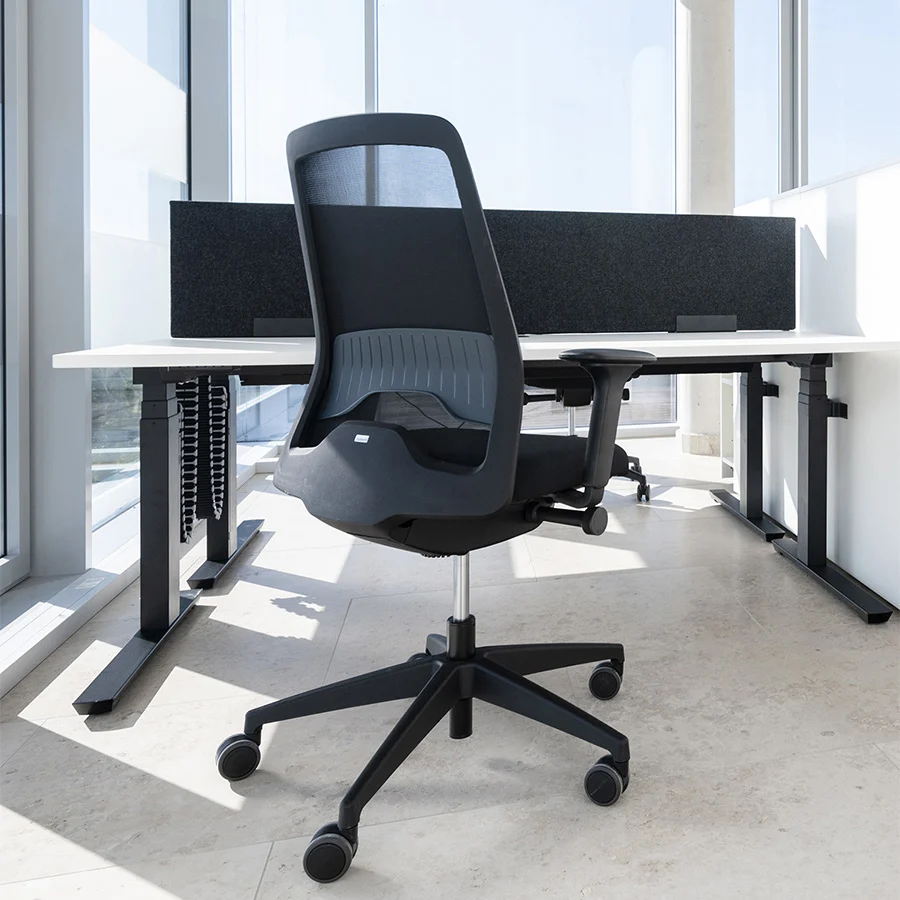
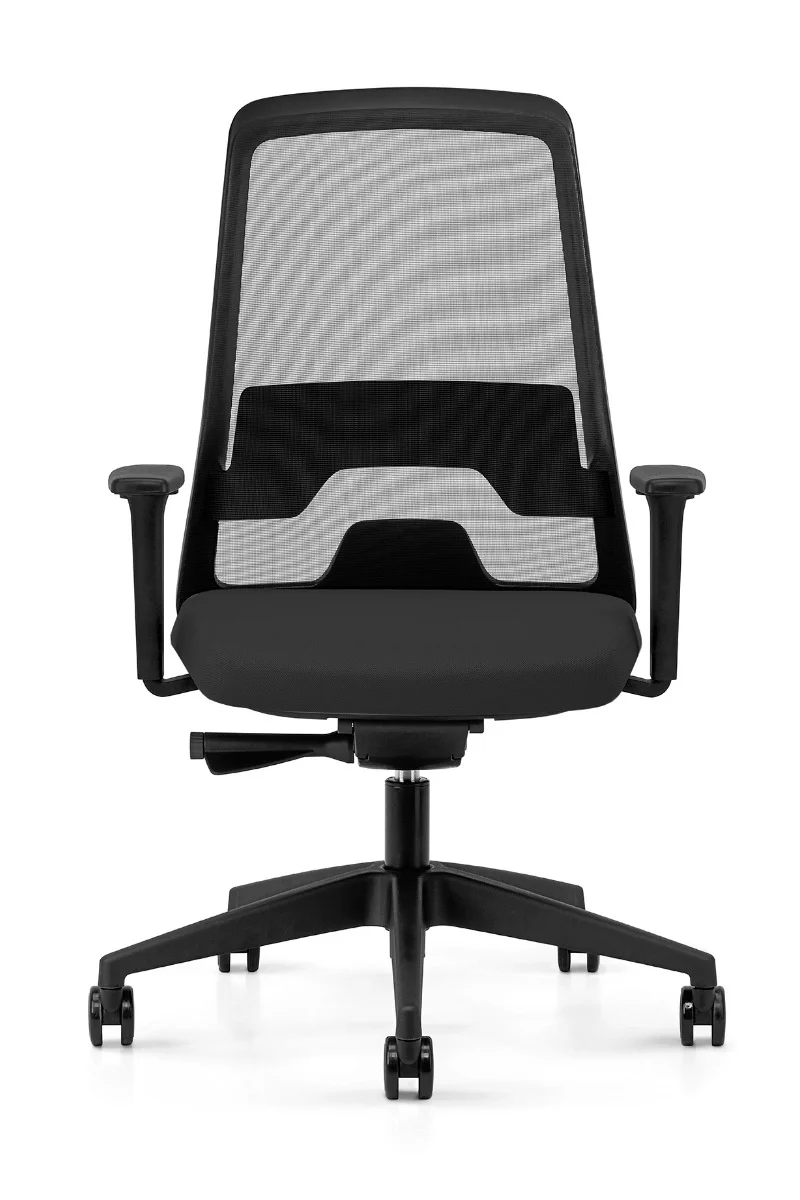
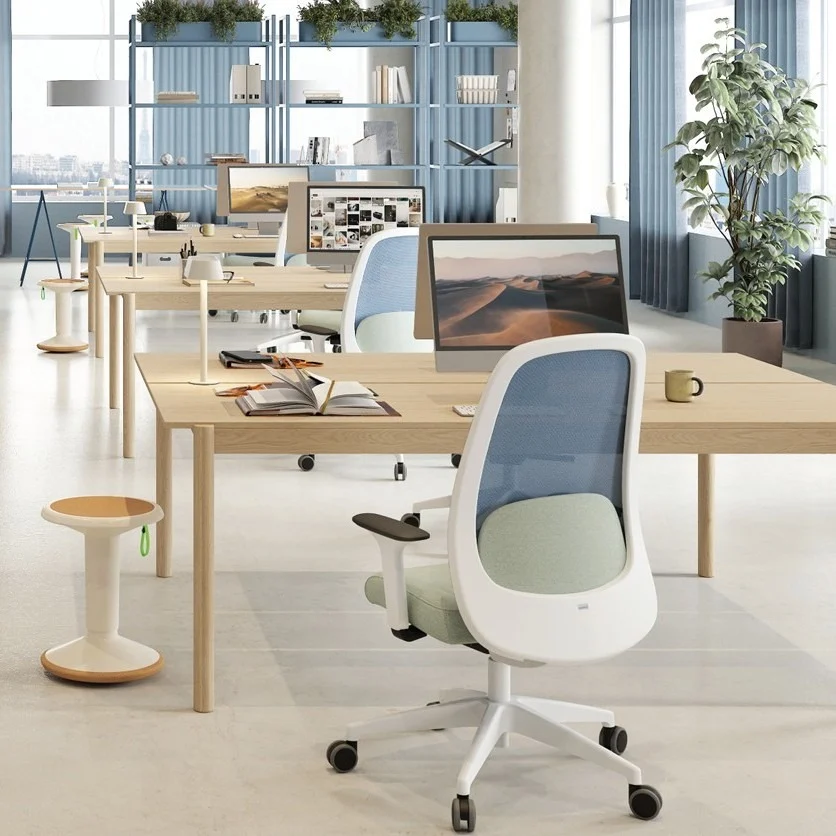
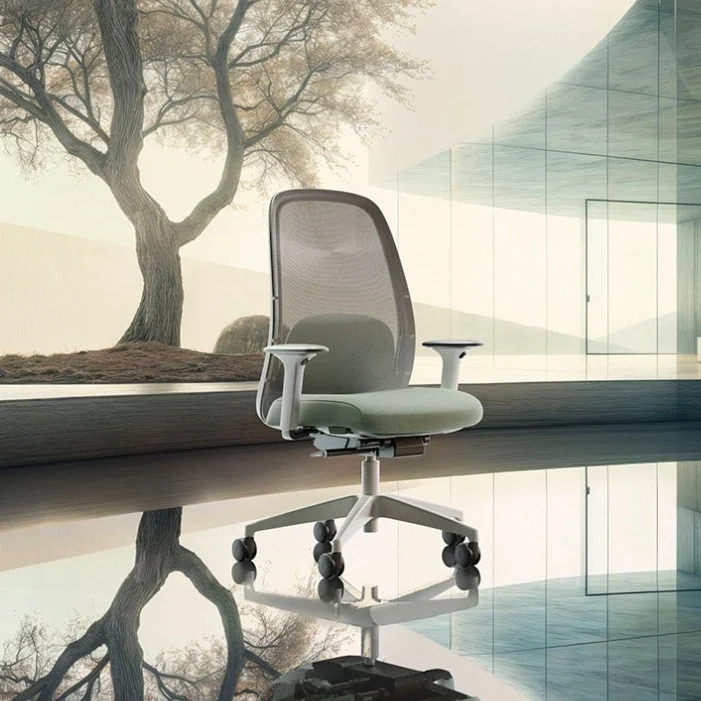
At Wooh we offer professional ergonomic chairs designed for daily office use. The models differ in their seat, backrest, mechanism and range of adjustment, to suit a variety of body types and preferences.
Some users will prefer a generously padded seat and an enveloping backrest, while others will appreciate a dynamic chair, a mesh back or particularly extensive adjustment. The most comfortable model is therefore not the same for everyone: above all it must suit the person using it and the hours they spend at their desk each day.
Our selection includes chairs designed for regular or intensive professional use. Compare their features and adjustment options to find a chair with the balance of support, freedom of movement and comfort you are looking for. Wooh can also advise you if you are torn between several models or want to equip several workstations.

Questions and answers about comfortable office chairs
What is the most comfortable office chair?
There is no single office chair that is the most comfortable for everyone. Comfort depends on body type, user preferences, duration of use and the workstation. For daily use, choose a chair with enough adjustments to fit the seat, backrest and armrests to your needs.
Which chair should you choose to sit for several hours?
To work several hours a day, a professional ergonomic chair with a suitable seat, a supportive backrest and various adjustments is generally a good solution. A dynamic or synchronous mechanism also follows your movements and lets your position change over the day.
Should an office chair be firm or soft?
It depends on the user’s preferences and the chair’s design. A very soft seat is not necessarily more comfortable over long periods. For professional use, look for a balance between initial comfort and support, taking into account the quality and density of the padding.
Is a chair with a mesh backrest comfortable?
A mesh backrest can offer a good level of comfort while encouraging air circulation. Its flexibility and behaviour vary depending on the chair’s design. Some users prefer that feel, while others favour an upholstered or padded back.
Do armrests make a chair more comfortable?
Armrests can add comfort when correctly positioned. Adjustable models let you better fit their height, width or depth to the user and the desk. They must not, however, stop the chair getting close enough to the worktop.
Which chair should you choose if you have back pain?
When your back is a concern, being able to adapt the chair to your build and workstation is especially important. Lumbar support, seat depth, backrest, armrests and mechanism are among the things to check. A chair is not, however, a treatment for pain. To find out more, see also our advice on choosing an office chair if you have back pain.
How do you know if an office chair suits your build?
Check in particular that the seat height and depth can be adapted to your size, that your back is properly supported and that the armrests can be positioned comfortably. Dimensions suited to a tall person will not necessarily be the same as for someone shorter. The wider and simpler a chair’s adjustments, the better it can generally adapt to different users.
Solutions for other uses
Our other guides to choosing your office chair

Office chairs and back pain
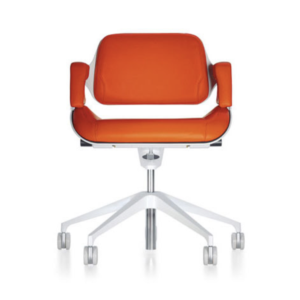
Meeting chairs
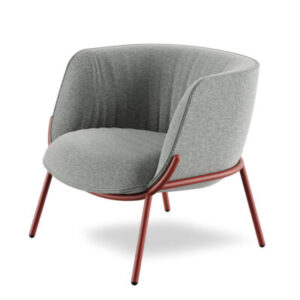
Waiting room chairs

Chairs for a relaxation area

Chairs for remote work