Office chair and back pain: how to choose the right seat?
An unsuitable or badly adjusted seat can make your working posture uncomfortable, especially for your back. Discover the objective criteria for choosing an ergonomic chair that offers real support.
No chair can on its own prevent or cure back pain. Comfort at work depends on many factors: the chair and its adjustments of course, but also desk height, screen position, the user’s habits and the time spent without changing position. If pain persists, advice from a health professional is still needed.
- 6criteria to relieve your back
- 5common mistakes to avoid
- 4habits at the workstation, beyond the chair
- 1,500 m²of showroom to try them in Nivelles
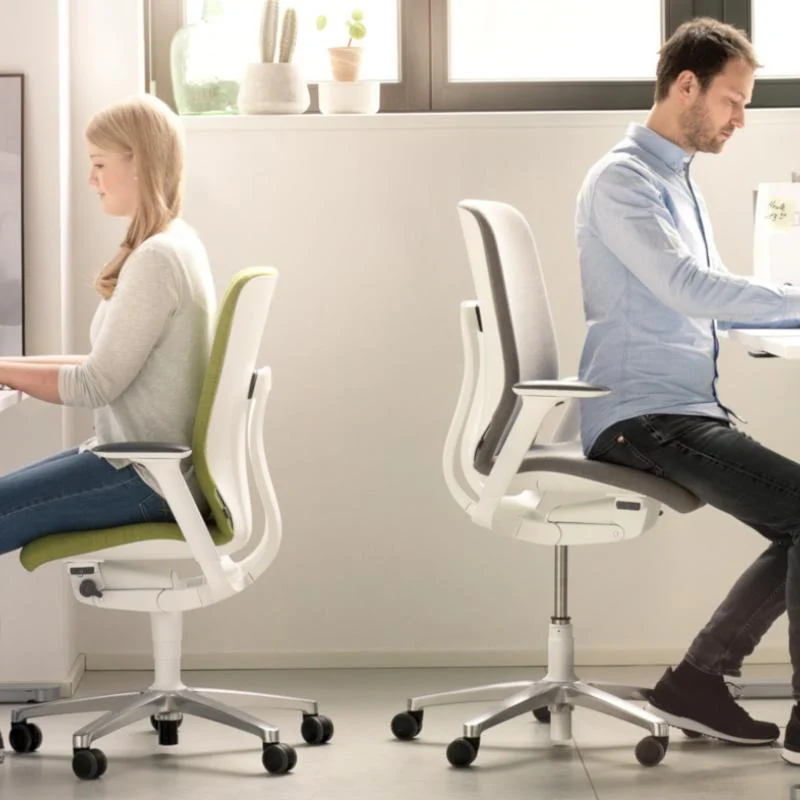
Furniture can nevertheless help create a workstation better suited to its user. Adjustable seat height and depth, lumbar support, a dynamic backrest and adjustable armrests let you personalise your working position further. A professional ergonomic chair is therefore a particularly good solution for people who spend long hours at their desk and want a seat with more ways to adapt.
On this page, Wooh explains which features to look at when choosing a comfortable office chair if your back is a concern, and how to fit it into a properly designed workstation.
Why does a suitable office chair matter if you have back pain?
Working seated for long periods can become uncomfortable when the chair does not suit the user’s build or offers too little adjustment. A seat that is too high or too low, a backrest with little support or badly positioned armrests can make it hard to stay comfortable for hours.
An ergonomic chair, by contrast, lets you adapt various parts of the chair to the user. The aim is not to hold the body perfectly still, but to provide appropriate support while keeping some freedom of movement. A backrest that moves with you, a well-adjusted seat and adjustable lumbar support can make long working sessions more comfortable.
The chair is only part of the workstation, though. Desk height, screen and keyboard position and work habits also play an important role. Changing position, getting up regularly and avoiding long uninterrupted spells of sitting therefore complement the choice of a suitable seat.
Criteria for choosing a suitable office chair if you have back pain
Not all office chairs offer the same level of adaptation. If you are looking for a comfortable seat to work several hours with a sensitive back, some adjustments and features deserve special attention. Above all they let you adjust the chair to your build rather than adapting your posture to an inflexible chair.
01
Lumbar support
The backrest should follow the natural curve of the back and provide suitable support at the lumbar level. On some ergonomic chairs, this support can be adjusted in height or intensity to better match the user’s build.
02
Seat height and depth
Seat height must be adjustable to the user and their desk. Depth also matters: an adjustable seat lets the back rest properly against the backrest while keeping enough space behind the knees.
03
The backrest
An adjustable backrest lets you fit the chair more precisely to its user. Depending on the model, height, tilt or resistance can be adjusted.
04
The chair’s mechanism
Synchronous or dynamic mechanisms let the seat and backrest follow changes of position, for more mobility while working.
05
The armrests
Adjustable armrests support the forearms, taking into account desk height and the user’s build. They can be adjusted in height, width, depth or angle.
06
The adjustment options as a whole
Multiplying adjustments is not an end in itself. Above all they must be useful, accessible and easy enough to use.
It is therefore best to choose a chair by considering all these features together rather than focusing on one element presented as good for the back. The aim remains a chair adaptable enough to find a comfortable position and to let it change over the day.
Is an ergonomic chair enough if you have back pain?
Investing in an ergonomic chair can improve workstation comfort, but the chair should not be considered in isolation. Even a model with many adjustments will not fully satisfy if paired with a badly sized desk, a poorly positioned screen or work habits that keep you in the same position for hours.
01
Adjust your office chair properly
Once the chair is chosen, its settings must be adapted to the user: seat height and depth, backrest position, lumbar support, armrests. These adjustments can change over the day.
02
Adjust the height of the workstation
Desk height must match the chair so you can sit comfortably without raising your shoulders too much. A sit-stand desk also makes it easier to alternate between sitting and standing.
03
Position your screen correctly
The screen should be directly in front of the user, at a height that keeps the head and upper body comfortable, without constantly twisting or tilting the torso.
04
Move regularly during the day
Getting up, walking for a few minutes or changing position breaks up long periods of sitting. A chair with a dynamic mechanism complements this approach.
Back comfort at the office therefore depends more on the whole workstation and how it is used than on any single feature of the chair. A correctly adjusted ergonomic seat is a good base, but it works best combined with a suitable desk, a well-positioned screen and regular changes of position.
Which mistakes should you avoid when choosing an office chair for your back?
A chair presented as ergonomic is not automatically suitable for every user. Body type, duration of use and workstation set-up must remain central to the choice.
Choosing only on immediate comfort
A very soft seat or an enveloping backrest can seem especially comfortable when you first try it. For prolonged professional use you also need to look at support, adjustment options and the freedom of movement the chair offers.
Thinking more adjustments always mean a better chair
Adjustments are mainly worthwhile when they genuinely let you adapt the chair to the user. Their range, ease of use and relevance count for more than their number.
Overlooking the seat dimensions
A chair can have an excellent mechanism and still be poorly suited to some body types. Seat width and depth, backrest height and armrest range must allow the user to sit comfortably.
Adjusting your chair once and never changing position again
Finding a good starting setting is important, but that does not mean keeping exactly the same posture all day. Dynamic mechanisms are designed to follow changes of position.
Expecting the chair alone to solve the pain
An ergonomic chair remains a piece of furniture, not a treatment. Persistent or severe pain should not lead you simply to look for a different chair: it is better to seek advice from a health professional.
Choosing the right chair is therefore less about finding a model presented as “ideal for back pain” than finding a seat that suits your build, your workstation and your work habits.
Our selection of ergonomic chairs for better back comfort
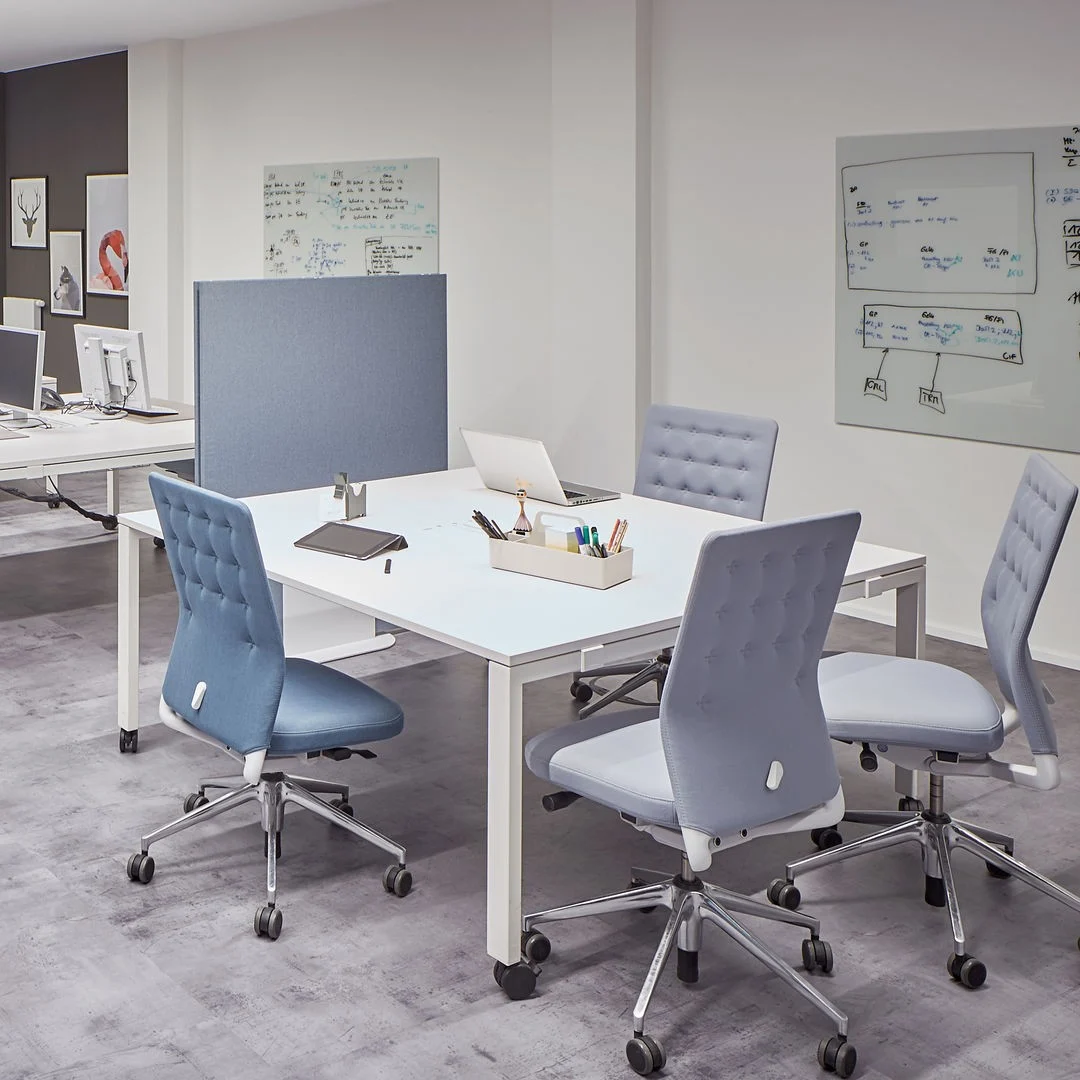
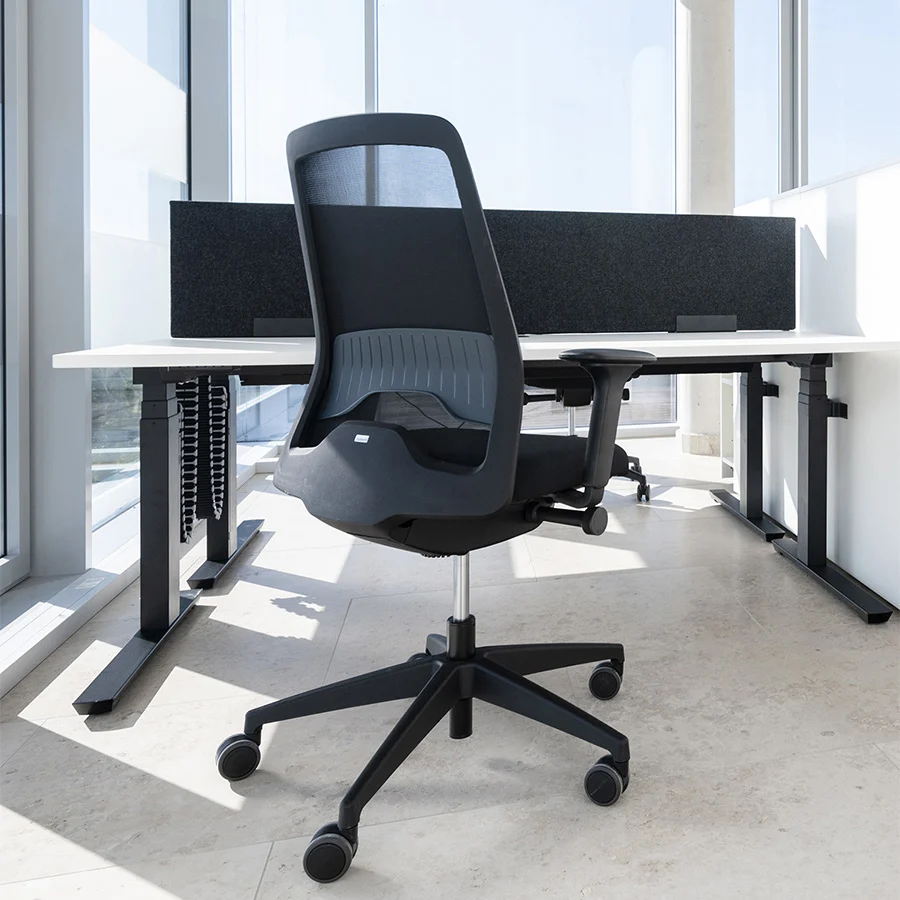
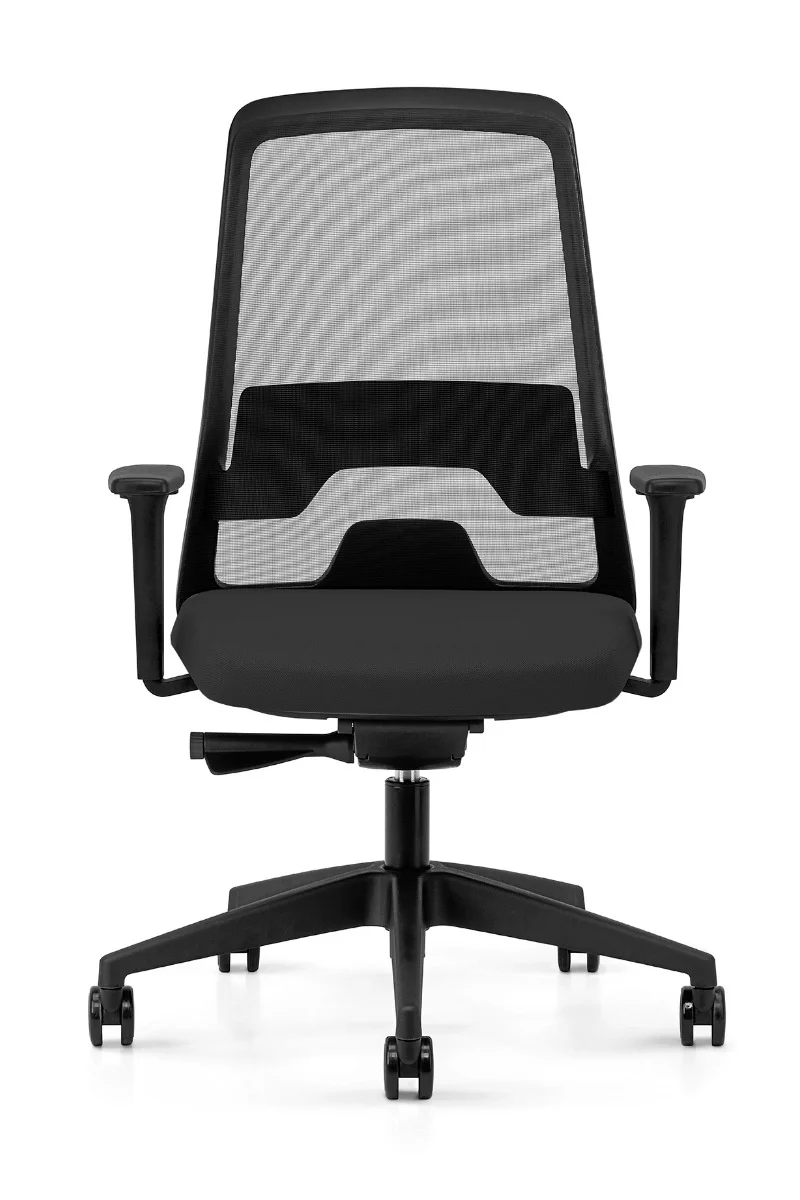
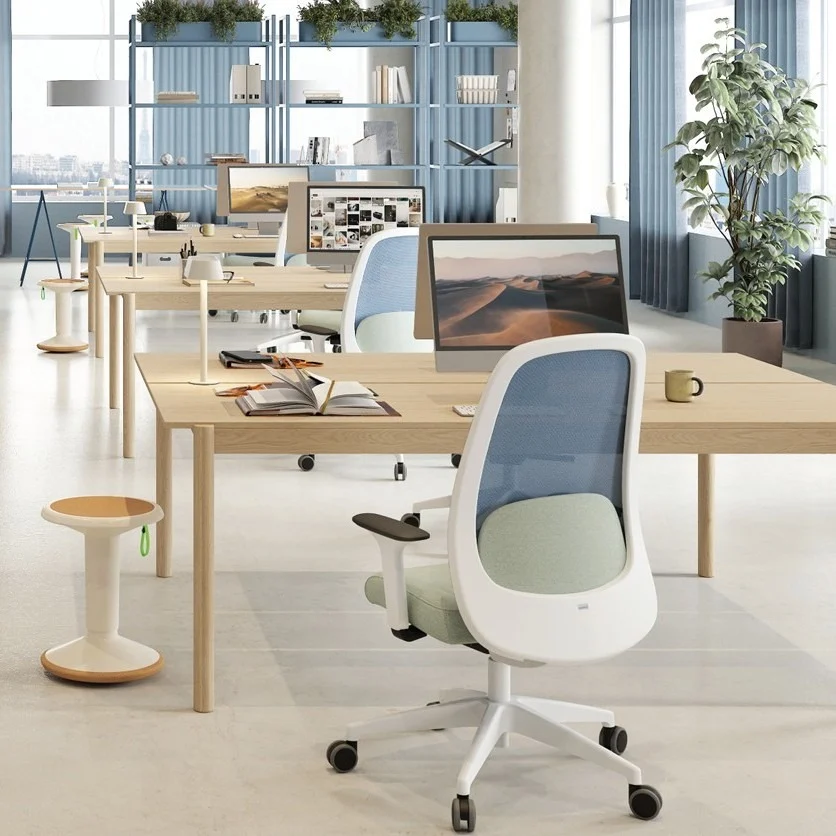
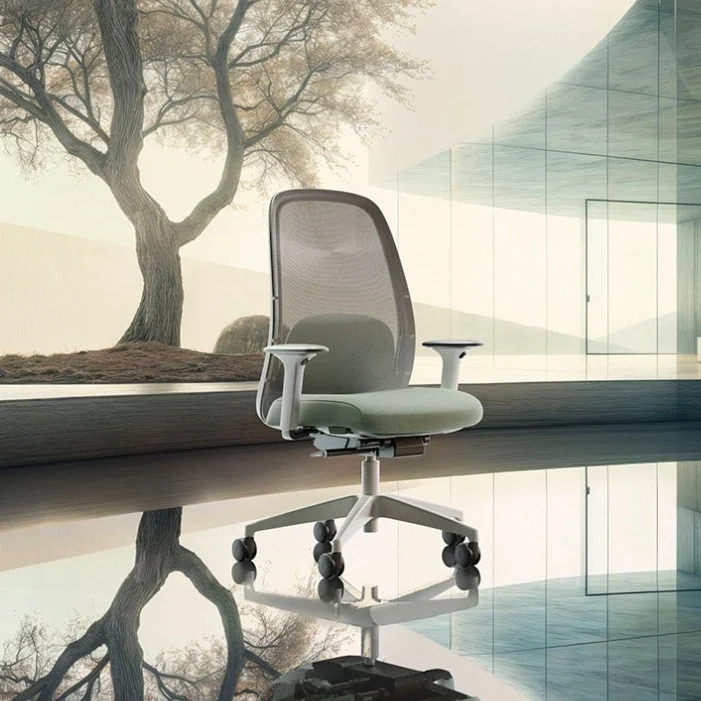
At Wooh we offer a range of professional ergonomic office chairs with many adjustment options to adapt to their users’ needs. Seat height and depth, lumbar support, armrests or backrest mechanism: the features available vary by model.
There is no single chair suitable for everyone with back discomfort, however. Compare the features of different chairs according to your workstation and the adjustments you really need. Wooh can also advise you and point you to the most suitable models.

Questions and answers about office chairs and back pain
Which office chair should you choose if you have back pain?
There is no single chair that suits everyone with back pain. For a workstation used several hours a day, choose an ergonomic chair with enough adjustments to fit your body: seat height and depth, backrest, lumbar support and armrests in particular. Being able to move and change position easily is also an important criterion.
Can an ergonomic chair relieve back pain?
A well chosen and properly adjusted ergonomic chair can help make your working position more comfortable and provide better suited support. However, it is not a treatment for back pain and does not guarantee that the pain will go away. If pain is persistent or severe, we recommend consulting a healthcare professional.
Which backrest should you choose for an office chair if you have back pain?
The backrest should support the back comfortably while still allowing some freedom of movement. Adjustable lumbar support is useful to fit the chair more precisely to the user’s body.
Should you choose a chair with lumbar support?
Lumbar support is one of the useful features of an ergonomic chair, especially when it can be adjusted. However, you should not choose a chair on this criterion alone.
Is it better to sit upright or recline the backrest?
There is no need to stay in one position all day. A chair with a dynamic or synchro mechanism lets the backrest follow your movements so you can vary your working positions.
Is a sit-stand desk a useful addition to an ergonomic chair?
A height adjustable desk makes it easier to alternate between sitting and standing, alongside an ergonomic chair.
How do you adjust your office chair properly?
Start by adjusting the seat height and depth, then set the backrest, lumbar support and armrests to suit your body and the height of your desk.
Solutions for other uses
Our chair types by workspace
Executive chairs
Meeting chairs
Stools and high chairs

Chairs for a relaxation area

Chairs for remote work